
Could one message in your inbox put your organization at risk? In 2025, criminals still use email, text, Teams and social channels to trick people into revealing sensitive information. You need clear, repeatable ways to spot urgency cues, bad grammar, mismatched domains, and unexpected attachments.
This guide shows a practical, step‑by‑step way to handle threats. You’ll learn how to preview links safely on desktop and mobile, report suspicious items in Outlook and Teams, and escalate to phish@office365.microsoft.com when needed.
Awareness plus simple technical methods like SPF, DKIM and DMARC form a layered defense that protects information and reduces successful attacks. Read on to get straightforward best practices that fit how you work today.
Key Takeaways
- Spot red flags: urgency, unfamiliar senders, typos, and odd domains.
- Preview links before clicking on desktop or mobile devices.
- Use Outlook and Teams reporting to remove malicious messages fast.
- Combine user awareness with SPF, DKIM and DMARC for stronger protection.
- Follow clear workflows for containment, password resets and MFA enablement.
Why Phishing Attacks Still Work in 2025 and What’s at Risk
Criminals exploit routine behaviors and trusted brands to trick your staff into handing over credentials. Credential harvesting rose about 40% year over year, and roughly one in three users choose incorrectly when faced with a deceptive message.
The present threat landscape: rising credential theft and human factors
Nearly three-quarters of breaches involve human vulnerabilities. Attackers use branded emails that mimic familiar vendors to capture usernames and passwords.
Urgent calls to action, unverified senders, and mismatched domains are common signals you should spot before interacting with any link or attachment.
Business impact in Italy: finances, reputation, and customer trust
For Italian organizations, a single successful attack can expose sensitive data, cause direct financial loss, and trigger regulatory fines.
Small and mid-sized businesses in supply chains face costly downtime and damaged customer confidence that takes time to rebuild.
“Attackers often mimic trusted vendors to harvest credentials; once inside, they move quickly to access data and escalate damage.”
- Attackers target invoices and payroll with timely, believable messages.
- Many users scan email on mobile and miss subtle domain misspellings.
- Understanding why users click helps you combine smarter filtering with realistic training.
| Risk | What it affects | Typical outcome |
|---|---|---|
| Credential theft | Accounts, internal tools | Unauthorized access and lateral movement |
| Business email compromise | Payments, invoices | Financial loss and fraud |
| Data exposure | Customer and employee information | Regulatory fines and reputational damage |
How to Spot a Phishing Email, Message, or Link at a Glance
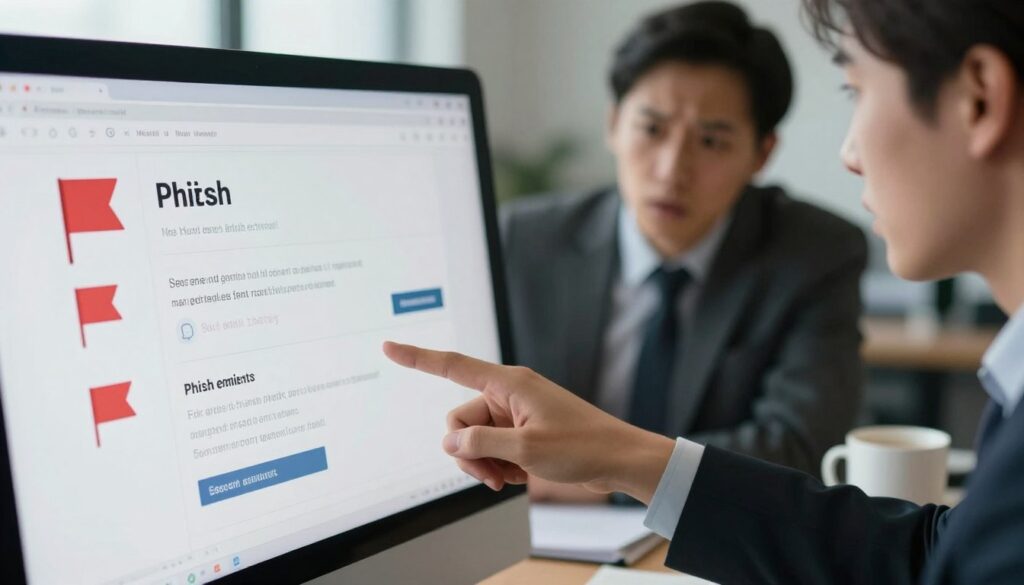
A few simple checks let you spot a dangerous message in seconds. Start by slowing down when a note demands immediate action. Pressure phrases often hide malicious intent.
Urgency and language cues
Watch for pressure: lines like “act now” or “verify immediately.” These signs try to rush you past review.
Sender and grammar checks
Treat first-time or [External] senders with extra care. Generic greetings and poor grammar are clear red flags. Compare salutations and logos with a known good email as an example.
Domains, links, and attachments
Inspect the From field for subtle misspellings (for example, micros0ft.com or rnicrosoft.com). Hover over any link on desktop to see the real URL. On Android long‑press links to view properties; on iOS use a light long‑press. Avoid unexpected attachments and confirm invoices through official channels.
| Sign | Where you see it | Quick action |
|---|---|---|
| Urgent call to act | Email or Teams message | Verify by phone or known portal |
| Misspelled domain | From field or link preview | Do not click; type the site manually |
| Unverified sender banner | Outlook or web client | Escalate to IT or confirm with sender |
Immediate Steps to Stop Phishing Attempts Safely

When you spot a suspicious message, act calmly and follow clear steps to limit harm. Pause before clicking links or opening attachments. Verify the request using a known phone number or the official website instead of any links in the note.
Pause, verify via official channels, and never click unknown links
Stop and check: independently navigate to the vendor’s site or call a published number to confirm any request for information. Don’t use contact details supplied inside the suspicious email.
How to report phishing in Outlook and Microsoft Teams
In Outlook or Outlook.com select the message, then choose Report > Report phishing to remove the email and help filters learn. In Teams hover the message, pick More options > More actions > Report this message and select the security risk option.
When to delete, when to escalate, and how to preserve evidence
Capture screenshots, note sender, subject, and link previews before deletion. If you clicked or entered credentials, enable MFA, change passwords, and notify IT immediately so they can contain the attack.
- If you don’t use Outlook, attach the original email to a new message and send it to phish@office365.microsoft.com so headers are preserved.
- Report unsafe sites in Edge via Settings > Help and feedback > Report unsafe site to protect others.
Phishing Prevention
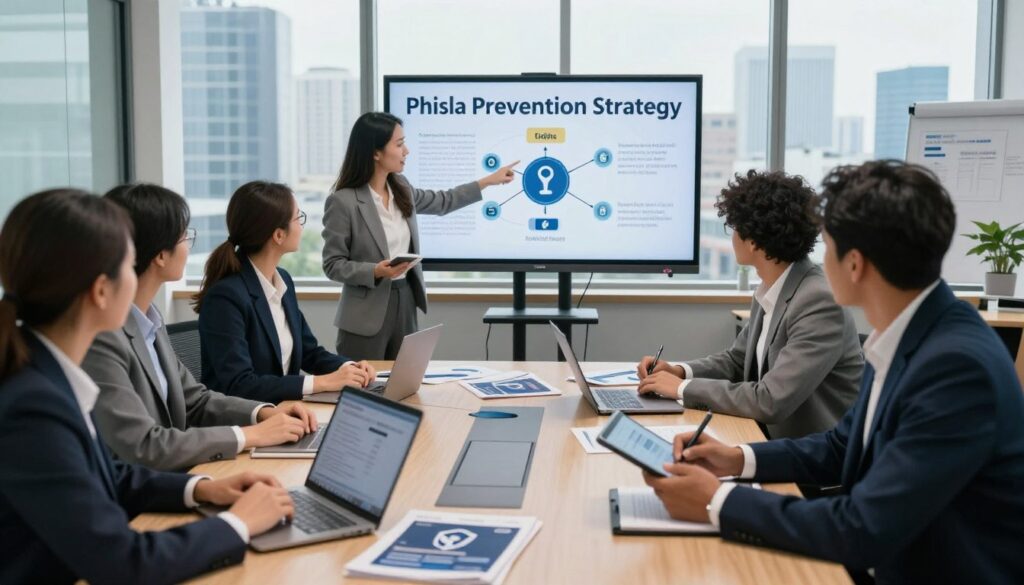
A strong defense combines filtering, user training, system hardening, and fast response.
Build four simple layers: reduce what reaches inboxes, teach employees to spot and report threats, harden endpoints to limit damage from clicks, and detect incidents early so you can act fast.
The four-layer approach
Prevent, empower, protect, respond: use advanced filters and anti‑spoofing to stop most email. Give clear reporting steps so users act confidently. Block unsafe sites, patch systems, enforce MFA, and restrict installs to slow attackers. Finally, monitor logs and respond immediately when anomalies appear.
Email authentication at scale
SPF, DKIM, and DMARC verify sender legitimacy and let mail servers drop forged messages. Align these protocols across your domains to cut spoofing and reduce attacks at scale.
Security baselines that matter
Standardize patching for OS, browsers, and apps. Apply least privilege and controlled installs so a single compromised user cannot install malware or move laterally. Pair these technical controls with short playbooks so your organization reacts the same way every time.
| Control | Goal | Benefit |
|---|---|---|
| Layered filtering | Reduce inbox exposure | Fewer malicious emails reach users |
| SPF / DKIM / DMARC | Authenticate senders | Block forged messages at scale |
| Patching & least privilege | Harden systems | Limit malware impact and lateral movement |
| Monitoring & logs | Detect and respond | Shorter time to containment |
Best Practices and Tools That Block Phishing Attacks Before Damage
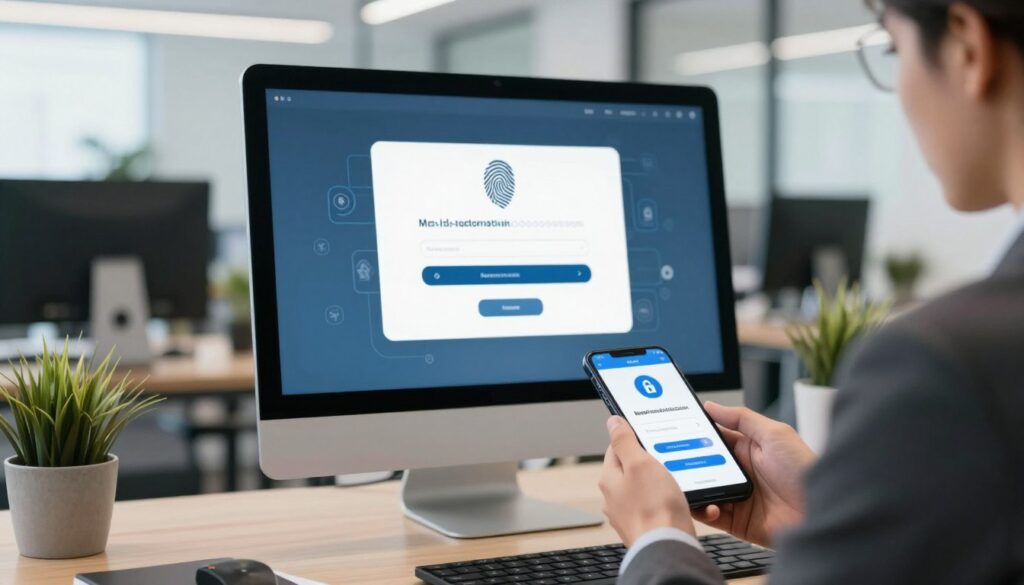
Stop attacks early by layering simple, proven controls that block malicious messages before they reach users.
Start with identity and network controls. Turn on multi-factor authentication everywhere to neutralize stolen passwords. Prefer passwordless methods that use trusted devices or biometrics for stronger account protection.
Identity and access controls
Adopt a Zero Trust model so no request is trusted by default. Require authentication for every access and limit data modification to only those who need it.
Use identity and access management to give time‑bounded privileges and continuous monitoring. This reduces the blast radius if an attack bypasses filters.
Filtering, DNS, and anti‑malware tools
Deploy anti‑phishing software that scans email and message content for risky patterns and quarantines suspicious items.
Add DNS filtering to block known malicious domains so clicks do not lead to malware or credential harvest attempts.
Encryption and system hygiene
Encrypt sensitive data in transit and at rest to limit the value of stolen information. This is vital for remote work and cloud services used by your organization.
Keep operating systems, browsers, and plugins patched and restrict installs to trusted apps. Combine these technical best practices with clear guidance so employees know how the tools help and what example actions to take.
Build a Culture of Awareness: Train Employees to Recognize and Report Phishing
Create a workplace habit where spotting risky messages becomes as normal as checking your calendar. Regular, short sessions keep awareness fresh and aligned with changing attacker tactics.
Ongoing awareness training that adapts to evolving threats
Deliver short, recurring awareness training that reflects current threats so employees stay sharp. Focus on simple actions: pause, inspect sender and domain, preview links safely, and report.
Phishing simulations: hands-on practice for real-world messages
Run realistic simulations that drop safe, deceptive messages into inboxes. Use results to coach teams, not to punish, and share anonymized examples so lessons match the real messages your users see.
Non-punitive reporting: why fast disclosure beats blame
Encourage quick reporting even if someone clicked. A non‑punitive culture gives responders time to contain incidents and reduce harm. Integrate training with reporting tools so one click both reports and teaches.
- Track participation and improvements by team to focus training where it helps most.
- Reinforce best practices during onboarding and quarterly refreshers so security habits stick.
- Use simulations and coaching to raise overall performance without shaming any employee or user.
Make the organization resilient: repeatable training, realistic practice, and fast, blame‑free reporting turn every suspected attack into a learning moment and reduce the chance that phishing attempts lead to data loss.
What to Do If a Phishing Attack Succeeds
A successful attack is not the end—your response decides how much harm follows. Move quickly to document what happened, secure accounts, and call in incident support. Early action limits data exposure and stops further access.
Document details, rotate passwords, and enable MFA immediately
Write down usernames, account numbers, passwords shared, and where the incident occurred. Note any suspicious links or attachments and save screenshots.
Change passwords on affected and reused accounts. Turn on multi-factor authentication everywhere to block unauthorized access.
Activate incident response: monitoring, logs, and containment
Alert IT so they can review logs, revoke sessions, and isolate compromised devices. Increase monitoring of email, endpoint, and identity logs to find indicators of compromise.
Containment means removing persistence, validating restores, and following your incident playbook to return systems to normal.
Notify IT, financial institutions, and law enforcement when needed
If payment or banking details were exposed, contact your bank or card issuer and flag the accounts. Evaluate whether the event meets notification rules for breaches and consult counsel if required.
If money was lost or identity theft occurred, file a report with local law enforcement and follow their guidance. Prompt reporting helps investigations and protects customers.
Conclusion
Wrap up by focusing on simple routines and technical controls that keep your accounts safe.
Do one clear thing each time: pause before you click, verify the sender and domain, preview links safely, and report suspicious messages in Outlook or Teams. These habits cut risk for your team and your organization.
Combine user awareness with layered controls: align SPF, DKIM and DMARC, enforce MFA or passwordless access, and use Zero Trust, IAM, DNS filtering, and anti‑phishing tools. Encryption, patching, and least privilege limit damage when an attack lands.
If a compromise occurs, document details, rotate passwords, enable MFA, and notify IT, banks, or law enforcement as needed. A layered approach turns every flagged message into a chance to learn and strengthen your security over time.
FAQ
How can you quickly spot a suspicious email or message?
Look for urgent language that pressures you to act, generic greetings, spelling or grammar issues, and mismatched sender domains. Hover or long-press links to preview the destination before tapping. If something feels off, verify the message through a known phone number or your organization’s official portal rather than using any contact details in the message.
What immediate steps should you take if you suspect a fraudulent message?
Pause and don’t click links or open attachments. Report the message through your email client or Microsoft Teams reporting feature, and contact IT or security if the message targets business accounts. Preserve the original message as evidence and follow your company’s incident process for escalation.
How do email authentication tools like SPF, DKIM, and DMARC help protect your inbox?
These protocols confirm whether an email comes from an authorized sender, reducing the chance attackers can spoof your domain. When correctly configured, they help filter malicious mail before it reaches you and improve delivery for legitimate messages.
What role does multi-factor authentication (MFA) play in account security?
MFA adds a second verification step—such as a push notification, hardware key, or biometric—so attackers can’t access accounts with just a stolen password. Turn it on for corporate and personal accounts to greatly reduce compromise risk.
How should you report suspicious messages in Outlook and Microsoft Teams?
In Outlook, use the “Report Message” or “Junk” options and follow your organization’s reporting workflow. In Teams, use the “Report” feature on the message or notify IT with screenshots. Prompt reporting helps security teams block threats and protect others.
When should you escalate an incident to IT or management?
Escalate if you clicked a link, entered credentials, opened an unexpected attachment, or if a high-value account or financial request is involved. Also report any messages sent to multiple employees or those that mimic executives or vendors.
What are safe mobile checks you can do before interacting with a link?
Long-press the link to preview the URL, check the sender’s email address carefully, and view the message headers if possible. When in doubt, open a browser and type the known site address manually instead of tapping the link.
How can ongoing training and simulations help your team?
Regular, realistic exercises improve recognition skills and build muscle memory for safe actions. Simulations let you measure awareness, tailor training, and reduce false clicks without punishing staff for honest mistakes.
What should you do if an account has been compromised?
Immediately change passwords from a trusted device, enable or reconfigure MFA, and notify IT and any affected services like banks. Monitor logs and activity, preserve evidence, and follow your incident response plan to contain damage.
Which technical controls should your organization prioritize to reduce risk?
Implement strong email authentication, DNS filtering, endpoint protections, and least-privilege access controls. Use Zero Trust principles and enforce secure baselines, patching, and controlled software installs to limit attacker movement.